
Affiliate Disclosure Generator: Free Examples & Templates
Generate a paste-ready affiliate disclosure for Pinterest pins, bios, and blog posts — with the exact wording Amazon Associates requires and the FTC #ad transparency Pinterest expects. Then run any destination link through the compliance checker. No signup, runs in your browser.
- Copy-paste disclosure templates for every placement — pin, bio, blog footer, caption
- Includes Amazon’s required “As an Amazon Associate I earn from qualifying purchases” wording
- Worked examples below, or generate one tailored to your placement
- Compliance checker flags shorteners, missing tags, and http links
1. Generate your disclosure
Pin description (recommended)
Short (tight character limits)
General guidance, not legal advice. Review the FTC endorsement guides and your program’s operating agreement for your situation.
2. Check a destination link
Paste the link your pin points to. The checker flags the issues that get affiliate pins suppressed or demonetized.
Affiliate disclosure examples and templates
Copy any of these as-is, or generate one tailored to your placement above. Amazon Associates requires the exact wording in the first row; the rest satisfy the FTC’s “clear and conspicuous” standard.
Amazon Associates (required wording)
As an Amazon Associate I earn from qualifying purchases.
Required verbatim by the Operating Agreement. Use it whenever you link to Amazon.
Pinterest pin description
#ad — As an Amazon Associate I earn from qualifying purchases.
Put it at the START of the description. A disclosure below the fold is not “conspicuous”.
Short pin / tight character limit
#ad · Commission earned
The minimum that still reads as a disclosure. Prefer the fuller line when you have room.
Pinterest bio
Some links are affiliate links — I may earn a commission at no extra cost to you.
A bio disclosure supports, but does not replace, one on each pin.
Blog post or bridge page
This post contains affiliate links. If you buy through them I may earn a commission at no extra cost to you. As an Amazon Associate I earn from qualifying purchases.
Place it above the first affiliate link, not in the footer.
Practitioner reference, not legal advice. Rules current as of 2026 — check the Pinterest affiliate policy guide for the underlying sources.
Why every affiliate pin needs a disclosure
Both the FTC and Pinterest require a clear disclosure whenever a pin earns you money, and the Amazon Associates Operating Agreement requires a specific statement — “As an Amazon Associate I earn from qualifying purchases” — near your links. A missing or buried disclosure is the fastest way to get pins flagged as spam or lose your Associates account.
Generate the wording above, then confirm your link is clean with the checker. Next, research pin titles with the free Pinterest keyword tool and read the full Pinterest affiliate policy guide.
Ready to create the pins?
Paste any product or blog URL and URL2Pin turns it into multiple ready-to-publish Pinterest pins, with images, titles, descriptions, and hashtags included.
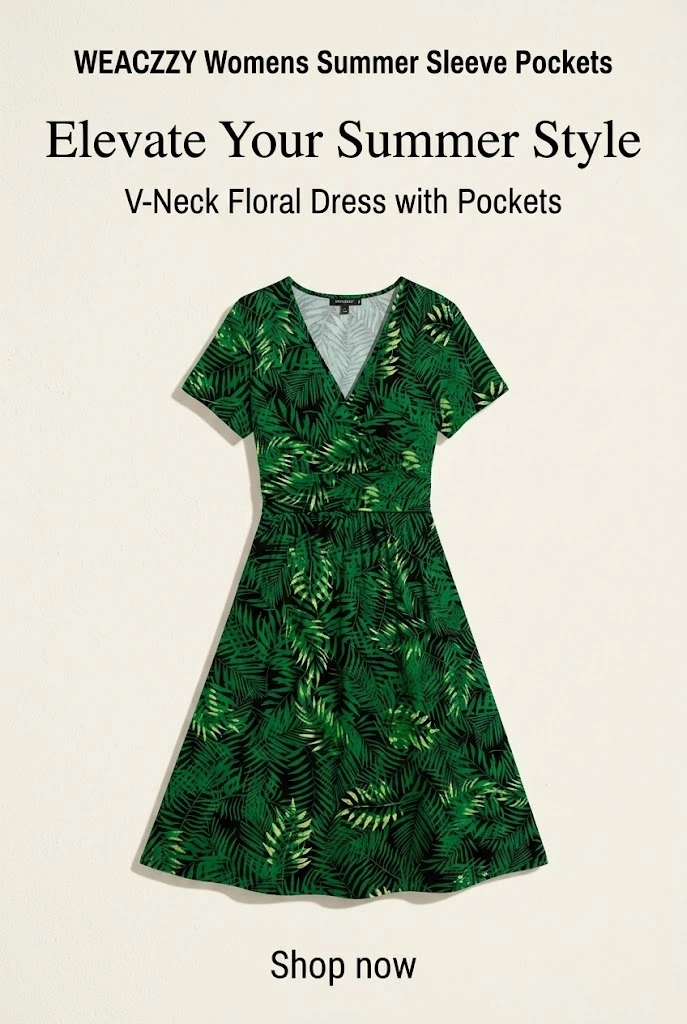
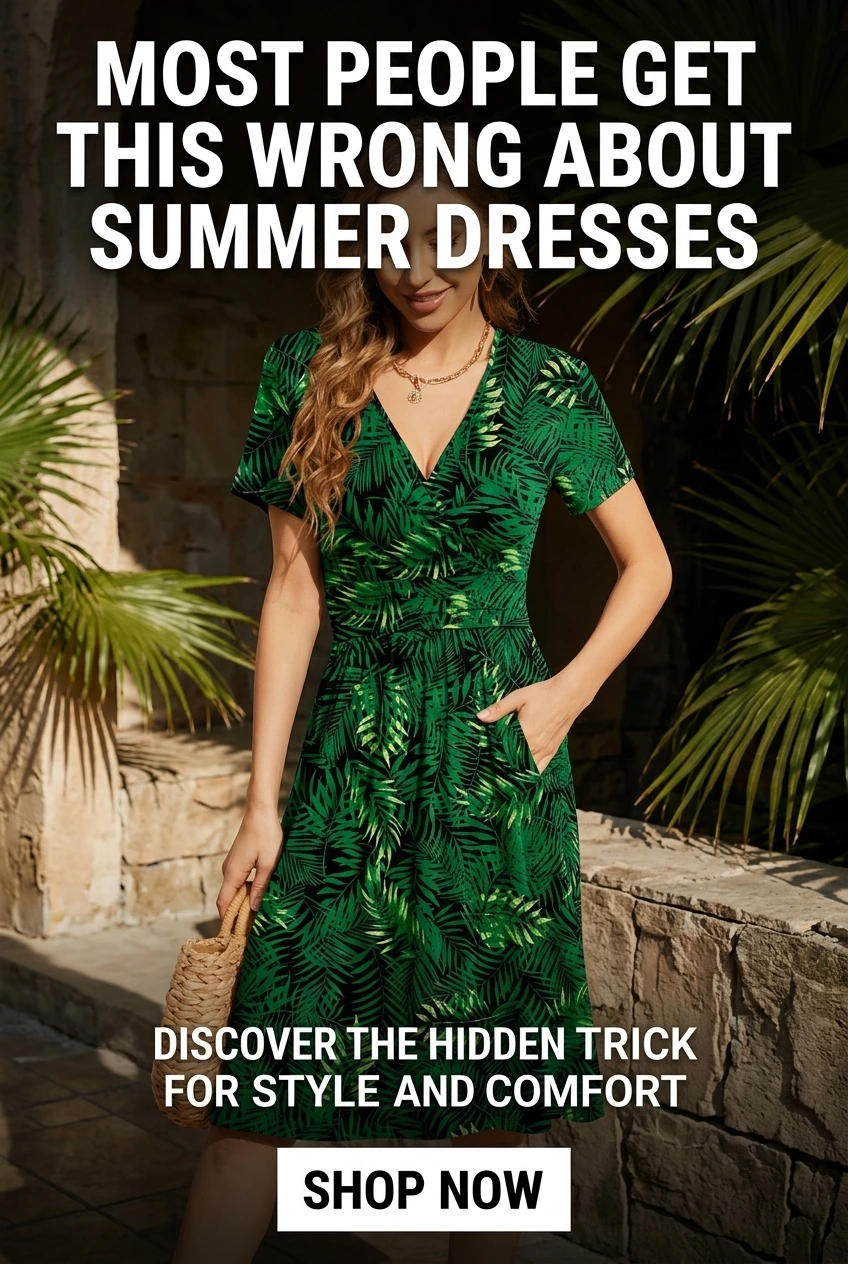
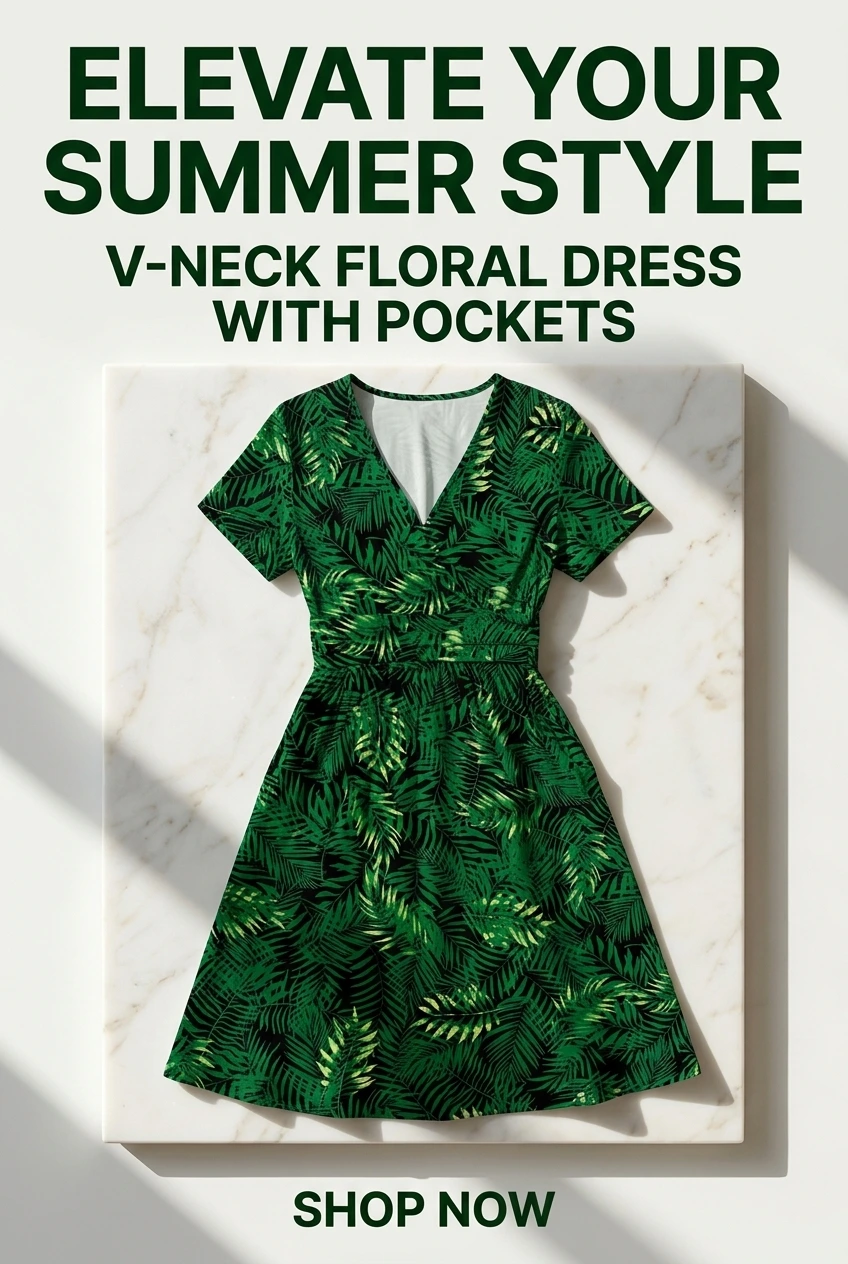
Pins generated in URL2Pin from one product URL

What is an affiliate disclosure — and why Pinterest cares
An affiliate disclosure is a plain-language statement telling people a link can earn you money. It is required by the FTC (US law), by Pinterest’s commercial content guidelines, and — for Amazon links — by the Amazon Associates Operating Agreement. On Pinterest the disclosure has to be on the pin itself, because that is where the audience sees the link, not only on the page it points to.
This generator produces the wording for you, tailored to where it will appear. For the full rules with official sources, read can you use Amazon affiliate links on Pinterest.
The exact Amazon Associates disclosure wording
Amazon does not let you paraphrase. The Operating Agreement requires this statement, word for word, near your Amazon links:
On a blog or bridge page, Amazon also expects the longer program statement (the generator’s “footer / policy” option). Pair the disclosure with a clean, tagged link — build one with the Amazon affiliate link builder.
Where to place each disclosure
- Pinterest pin — first line of the description, starting with #ad.
- Pinterest bio — inside the first ~160 characters so it stays visible without tapping “more”.
- Blog / bridge page — directly above the first affiliate link, plus a footer or dedicated disclosure page.
- YouTube / social caption — near the top of the description, before the links.
Rule of thumb: the disclosure must appear before the link and be readable without extra clicks. After you generate it, run the destination link through the compliance checker above to catch shorteners and missing Associates tags.
FAQ
Do I need a disclosure on every affiliate pin?
Yes. The FTC and Pinterest both require a clear disclosure wherever an affiliate link appears — on the pin itself, not just the landing page. A simple #ad plus a plain-language line is enough.
What is the exact Amazon Associates disclosure wording?
Amazon’s Operating Agreement requires the statement “As an Amazon Associate I earn from qualifying purchases.” Use it verbatim near your Amazon links — this generator inserts it for you.
Where do you put an affiliate disclosure?
On a pin: in the description with #ad. In a bio: in the first ~160 characters. On a blog or bridge page: directly above the first affiliate link, plus a footer/policy line. Place it before, not after, the links.
Can I use a link shortener for affiliate links on Pinterest?
Avoid generic shorteners (bit.ly, tinyurl) — Pinterest treats hidden redirects as spam and Amazon prohibits cloaking its links. Use the full destination URL. The compliance checker flags shorteners for you. Build a clean tagged link with the Amazon affiliate link builder.
Related free tools
Use these together, then turn your best URLs into pins with URL2Pin. Full strategy: Amazon affiliate Pinterest guide.
- Pinterest affiliate pin generator
Paste a tagged product link → get a pin that keeps your affiliate tag.
- Amazon affiliate link builder
Paste a product URL and your Associates tag to get a clean link for Pinterest.
- Amazon affiliate link checker
Paste the link your pin points to -> see every redirect, and whether your tag still counts.
- AI affiliate product page generator
Paste a product or affiliate URL → get a shareable bridge page, then pin to it.
From the blog
Next step: generate pins
Paste a blog or Amazon product URL into URL2Pin and get multiple unique pin images, titles, descriptions, and hashtags in one batch.
Generate pins in URL2Pin →