
Pinterest Board Name Generator: 208+ Board Name Ideas
Copy a ready-made board name from the list below, or generate custom names, descriptions, and keywords for your own niche — free, no signup.
Worked example
Budget-Friendly Kitchen Gadgets Under $50
Affordable kitchen tools, small-space upgrades, and gift-worthy gadgets for everyday cooking.
Keywords: kitchen gadgets, budget kitchen, small kitchen, gift ideas under 50
Publish pins into your new boards with URL2Pin. Find title angles with the free Pinterest keyword tool.
208+ Pinterest board name ideas
Every name below is written as a search phrase — a topic plus a modifier — because that is what Pinterest actually indexes. Click any name to copy it. Pair it with a 1–2 sentence description using two or three related keywords.
Pinterest board names for home decor
Pinterest board names for food & recipes
Pinterest board names for travel
Pinterest board names for fitness & health
Pinterest board names for diy & crafts
Pinterest board names for etsy & handmade sellers
Pinterest board names for fashion & style
Pinterest board names for beauty & skincare
Pinterest board names for money & budgeting
Pinterest board names for parenting & kids
Pinterest board names for gardening & plants
Pinterest board names for home office & productivity
Pinterest board names for weddings & events
Pinterest board names for seasonal & holiday
Cute, clever, and aesthetic board names
Personality-driven names build a brand, but they give Pinterest less to work with. Use them for boards you promote directly, and always write a keyword-rich description underneath.
Cute Pinterest board names
Warm and friendly. Works best when you still anchor the name to a real search phrase.
Clever Pinterest board names
Memorable and brandable — pair with a keyword-rich description so Pinterest still understands it.
Aesthetic Pinterest board names
Mood-driven boards. Add a clear description so the algorithm knows the actual topic.
Board names for affiliate & shop boards
Buyer-intent boards. These convert best because the searcher is already shopping.
Good names for Pinterest boards that actually rank
A Pinterest board name generator is only useful if the names match how people search. Pinterest is a visual search engine, so a board titled "Inspo" or "My Faves" gives the algorithm nothing to work with. Strong board names read like search phrases: "Budget Kitchen Gadgets Under $50", "Small Apartment Meal Prep", or "Amazon Finds for Home Office". The generator above turns one niche into search-friendly board names, descriptions, and keyword ideas you can paste straight into Pinterest.
Board keywords and pin keywords do different jobs. Your board name and description tell Pinterest what the whole collection is about; your pin titles target the specific query for each idea. Match them: a "Quick Weeknight Dinners" board should hold pins like "15-minute one-pan chicken" — not random recipes. Research the pin-level phrases with the free Pinterest keyword tool.
- Start with 8–12 focused boards that match your content buckets — not 40 empty ones.
- Use one clear primary keyword per board, plus a modifier (budget, beginner, gift, 2026).
- Write a 1–2 sentence description with 2–3 related phrases, naturally (no keyword stuffing).
- Keep names stable once set so Pinterest can build topical authority for each board.
For Amazon affiliates, see best Pinterest boards for Amazon affiliates, then batch pins into each board from any product or blog URL with URL2Pin.
Ready to create the pins?
Paste any product or blog URL and URL2Pin turns it into multiple ready-to-publish Pinterest pins — images, titles, descriptions, and hashtags included.
Pins generated in URL2Pin from one product URL
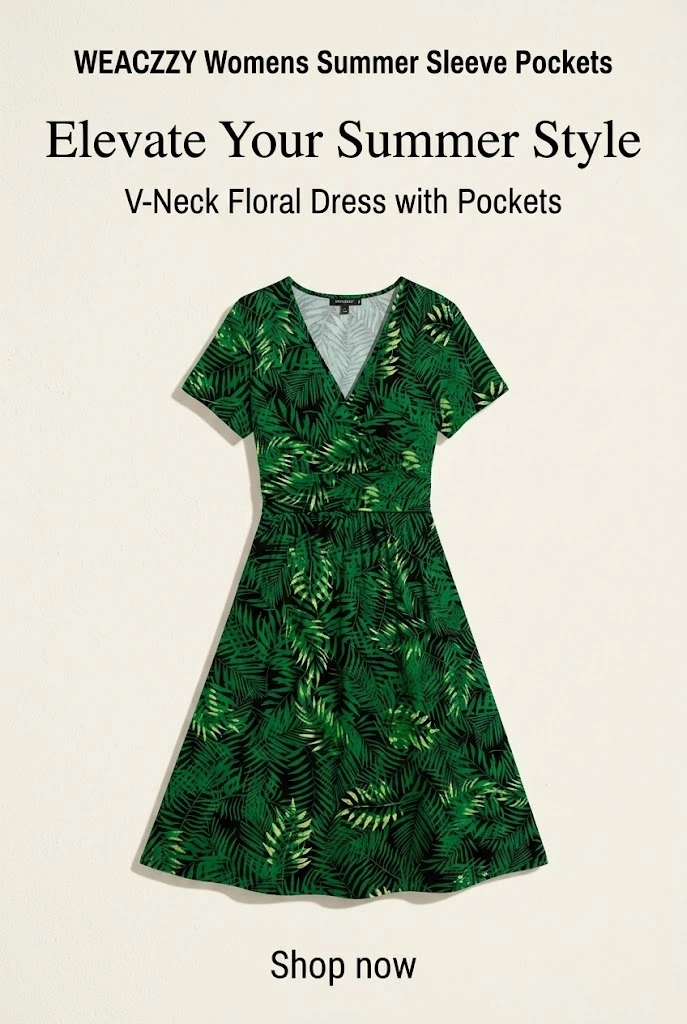

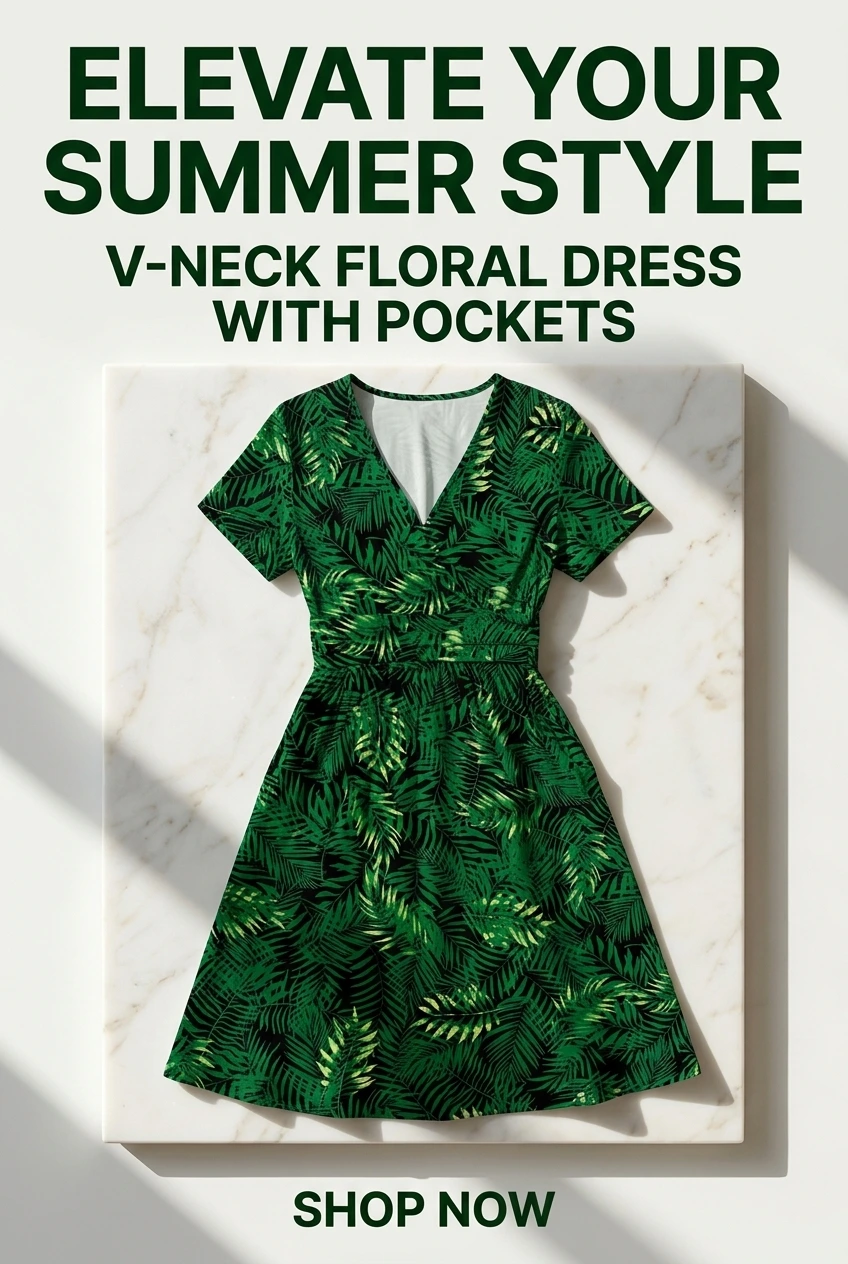

Why board names matter
Your board name is often the first impression a Pinterest searcher has. Search results include boards as well as pins—a board titled “Modern Farmhouse Kitchen Ideas” communicates more than “Kitchen.”
Board names affect:
- Discoverability — do searchers find your board?
- Click-through — is it clear what is inside?
- Follows — do visitors want ongoing updates?
- Context — does Pinterest understand your niche?
Vague names (“Home Decor,” “Kitchen Ideas”) underperform specific ones (“Budget-Friendly Kitchen Gadgets Under $50,” “Small Apartment Kitchen Design”). Specific names rank better and attract the right audience.
Amazon affiliates: board strategy pairs with the complete Amazon affiliate Pinterest guide and best Pinterest boards for Amazon affiliates.
How to name a Pinterest board
A strong board name usually combines angle + topic + optional detail:
- Angle: Modern Farmhouse, Budget-Friendly, Minimalist, DIY
- Topic: Kitchen, Home Decor, Gift Ideas
- Detail: Under $50, For Small Spaces, Ideas & Inspiration
Formula: [Style/angle] + [Topic] + [Detail if helpful]
Good examples: Modern Farmhouse Kitchen Ideas · Budget-Friendly Home Decor Under $50 · Small Apartment Kitchen Design
Weak examples: Kitchen · Home · Ideas — too generic to rank or earn follows.
Before you publish, ask: “Would I search this exact phrase?” If yes, it is probably a solid name. Validate phrases with the Pinterest keyword tool.
How to use the results
Step 1: Enter niche + audience
Type your niche (e.g. “kitchen gadgets”) and optional audience (“renters,” “busy parents”). The tool returns board names, descriptions, and suggested keywords per board.
Step 2: Evaluate suggestions
For each idea, ask: Does it describe the pins I will save? Is it specific enough to rank? Would my target reader click?
Step 3: Create boards on Pinterest
Use favorites as-is or as inspiration. Add a description that expands the name with natural keywords—no stuffing.
Step 4: Organize pins by board
Save pins to the board that matches their headline promise. Organized boards earn more follows; followers see your pins repeatedly over time.
Workflow guide: Pinterest board names & descriptions.
Board strategy examples
Kitchen affiliate
- Modern Farmhouse Kitchen
- Budget Kitchen Gadgets Under $50
- Small Space Kitchen Ideas
- Kitchen Organization & Storage
Home decor affiliate
- Modern Farmhouse Home Decor
- Minimalist Home Design
- Small Apartment Decor Ideas
- Budget Home Makeover Ideas
Amazon roundup blogs
- Best Kitchen Gadgets (refresh seasonally)
- Gift Ideas Under $50
- Home Organization Products
Pattern: Specific + searchable + broad enough for 50+ pins. Aim for 4–6 focused boards—not 30 empty ones. Split when audiences differ; merge when keywords overlap.
Next steps
- Generate 5–10 board name ideas above
- Create 3–5 boards on Pinterest with descriptions
- Organize existing pins into the right boards
- Publish new pins per board theme with URL2Pin
For board strategy inside a full Pinterest system, see the complete Amazon affiliate Pinterest guide.
Related free tools
Use these together, then turn your best URLs into pins with URL2Pin. Full strategy: Amazon affiliate Pinterest guide.
- AI affiliate product page generator
Paste a product or affiliate URL → get a shareable bridge page, then pin to it.
- Pinterest pin maker
Start from a link instead of a blank canvas. Pick a layout, get a 2:3 pin.
- Pinterest font generator
38 copy-and-paste Pinterest font styles for bios, board names, and pin titles.
- Pinterest pin generator
Paste any URL → get a finished pin with the copy written for that page.
- Pinterest affiliate pin generator
Paste a tagged product link → get a pin that keeps your affiliate tag.
From the blog
Next step: generate pins
Paste a blog or Amazon product URL into URL2Pin — get multiple unique pin images, titles, descriptions, and hashtags in one batch.
Generate pins in URL2Pin →FAQ
How many boards should I have?
Start with 8–12 focused boards that match your content categories. Add more once you consistently publish pins for each board.
Do board descriptions matter for Pinterest SEO?
Yes. Use clear keywords naturally (no keyword stuffing). Think: what would someone type to find this board?
Should I create boards for every tiny topic?
Usually no. It’s better to have fewer boards with consistent pinning than many boards that stay empty.
What should I put in board keywords?
Use the main niche keyword plus a few related phrases (beginner, checklist, templates, best, how-to). Keep it relevant to the pins you’ll save there.