
Free Amazon Pin Worth Checker — Should You Pin This Product?
Paste an Amazon product link. Get a Pin Worth Score based on Pinterest search interest, competition, reviews, and price — before you spend time making pins.
- Checks Pinterest by product type (not brand name)
- One click to the live Pinterest search for that product type
- Amazon reviews, price, and competition in one score
- Free — no signup required
Should you pin this Amazon product?
A pin worth checker answers the question before you design graphics: does Pinterest actually search for this product type? Our free tool scores Amazon URLs using Pinterest demand, competition in search results, review strength, and price — not brand hype. Affiliates use it to skip low-intent gadgets and double down on categories where planning-style pins already rank.
Strong scores (61+) usually deserve multiple pin angles and dedicated boards. Mixed scores (41–60) are worth a 1–2 pin test or a spot in a roundup post. Below 41? Link from blog content instead of standalone product pins. Pair the score with title research from our free Pinterest keyword tool, then batch pins from the same URL in URL2Pin.
Read the full workflow in should you pin this Amazon product on Pinterest?
Ready to create the pins?
Paste any product or blog URL and URL2Pin turns it into multiple ready-to-publish Pinterest pins, with images, titles, descriptions, and hashtags included.
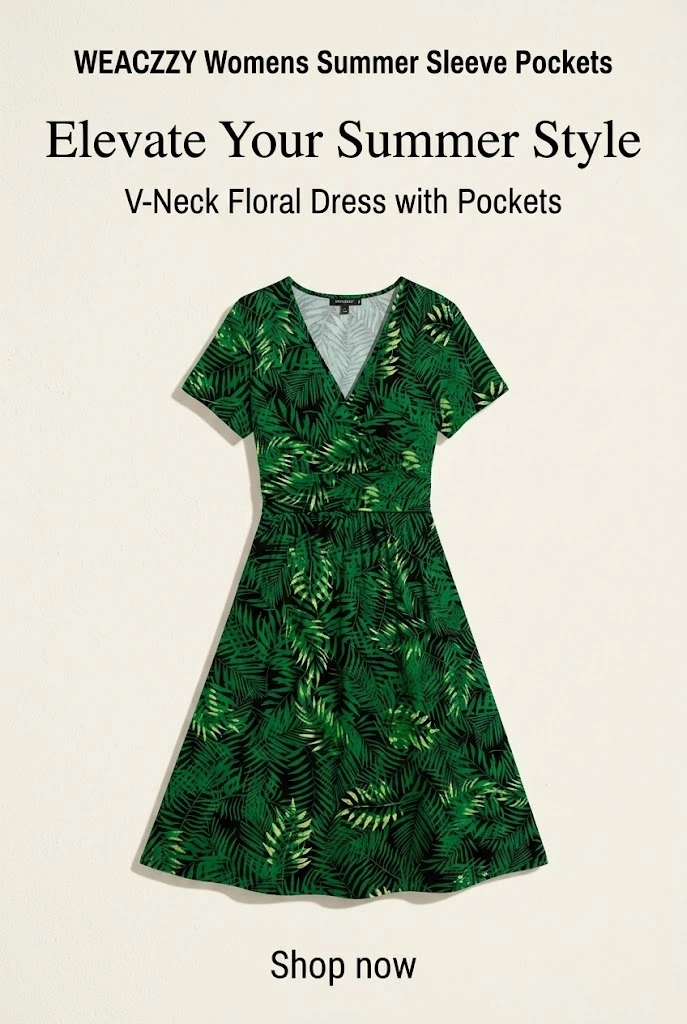
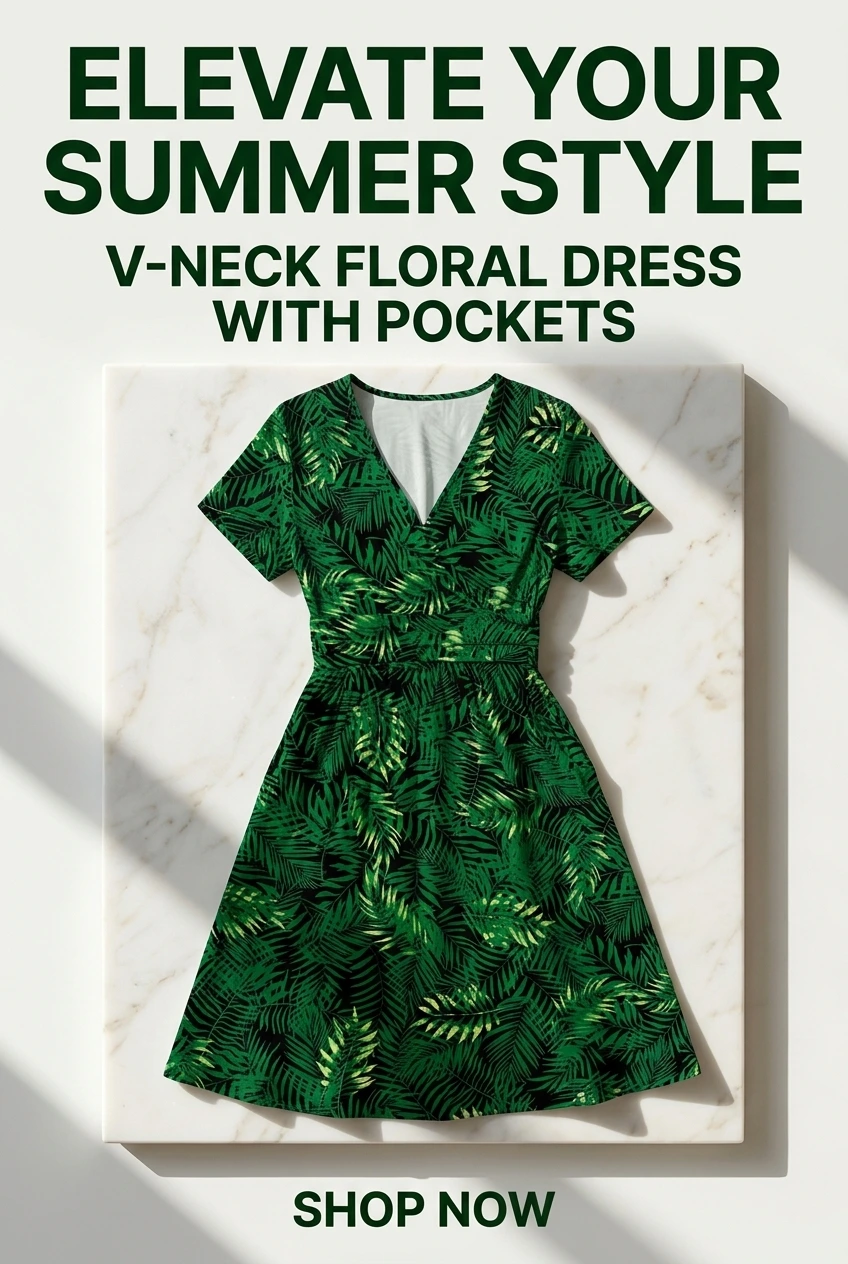
Pins generated in URL2Pin from one product URL


What is an Amazon pin worth checker?
An Amazon pin worth checker helps you decide whether to create Pinterest pins for a specific product — before you spend time on design. Paste an Amazon URL and get a score based on Pinterest search interest, competition, Amazon reviews, and price.
Amazon affiliates often pin every product they find. That wastes time on items Pinterest users never search for. This tool checks the product category on Pinterest (e.g. “bath rug”, not the brand name) so the score reflects real search behavior.
How to use your Pin Worth Score
- Strong fit (61+): Worth creating multiple pins. Post to 2+ relevant boards.
- Mixed (41–60): Test with 1–2 pins or pin inside a roundup/review post.
- Weak (below 41): Skip standalone product pins — link from a blog post instead.
Pair this with the Pinterest keyword tool for title angles, then generate pins in URL2Pin. Read Should you pin this Amazon product? for the full workflow. Strategy hub: Pinterest for Amazon affiliates.
When to skip vs test vs scale
- Skip standalone pins when the category has weak Pinterest search and top results are dominated by brands you cannot match visually.
- Test 1–2 pins when the score is mixed but the product fits a roundup, gift guide, or review post you already publish.
- Scale pin volume only after a strong score plus validated keyword angles from Pinterest search autocomplete.
FAQ
What does the Pin Worth Score mean?
It estimates how well an Amazon product might work on Pinterest based on search interest, competition, reviews, price, and visual fit. It does not predict earnings.
Why do you search by product type instead of the exact product name?
Pinterest users search for “bathroom rug” or “air fryer recipes” — not brand names. We strip the brand and check how the product category performs on Pinterest.
Should I skip products with a low score?
Not always. A low score means Pinterest search interest is weak right now — consider pinning it inside a roundup or review post instead of a standalone product pin.
What should I do after checking a product?
If the score looks good, create pins with URL2Pin and post to the suggested boards. Use the keyword tool to find title angles. Try the Pinterest keyword tool.
Related free tools
Use these together, then turn your best URLs into pins with URL2Pin. Full strategy: Amazon affiliate Pinterest guide.
- Pinterest affiliate pin generator
Paste a tagged product link → get a pin that keeps your affiliate tag.
- Amazon affiliate income calculator
Set a monthly goal or slide traffic — see visits, clicks, sales, and pin volume needed.
- Amazon affiliate link builder
Paste a product URL and your Associates tag to get a clean link for Pinterest.
- AI affiliate product page generator
Paste a product or affiliate URL → get a shareable bridge page, then pin to it.
From the blog
Next step: generate pins
Paste a blog or Amazon product URL into URL2Pin and get multiple unique pin images, titles, descriptions, and hashtags in one batch.
Generate pins in URL2Pin →