
Pinterest Bio Ideas — Free Generator
Enter your niche. Get five bio options, a CTA line, and keyword ideas — a Pinterest bio template ready to paste. No signup.
How to write a Pinterest bio that ranks
Pinterest is search-first: your bio should say who you help and what they get in plain language — not clever wordplay. Use one primary niche phrase (e.g. "budget meal prep", "small apartment DIY") plus a clear CTA line so profile visitors know the next step.
This Pinterest bio generator outputs five variations, keyword ideas, and a CTA you can paste into your profile. Match your boards and pin titles to the same phrases — research them with our free keyword tool, then publish pins with URL2Pin.
Worked example
Niche: budget meal prep
Easy meal prep for busy families on a budget. Weekly plans, grocery lists, and 30-minute dinners.
CTA: Tap for free weekly meal prep plans →
Your bio tells Pinterest what you post (keywords) and tells humans why to follow (clarity). Keep it simple: niche + promise + CTA. Growth comes from publishing multiple pins per URL in URL2Pin.
Ready to create the pins?
Paste any product or blog URL and URL2Pin turns it into multiple ready-to-publish Pinterest pins — images, titles, descriptions, and hashtags included.
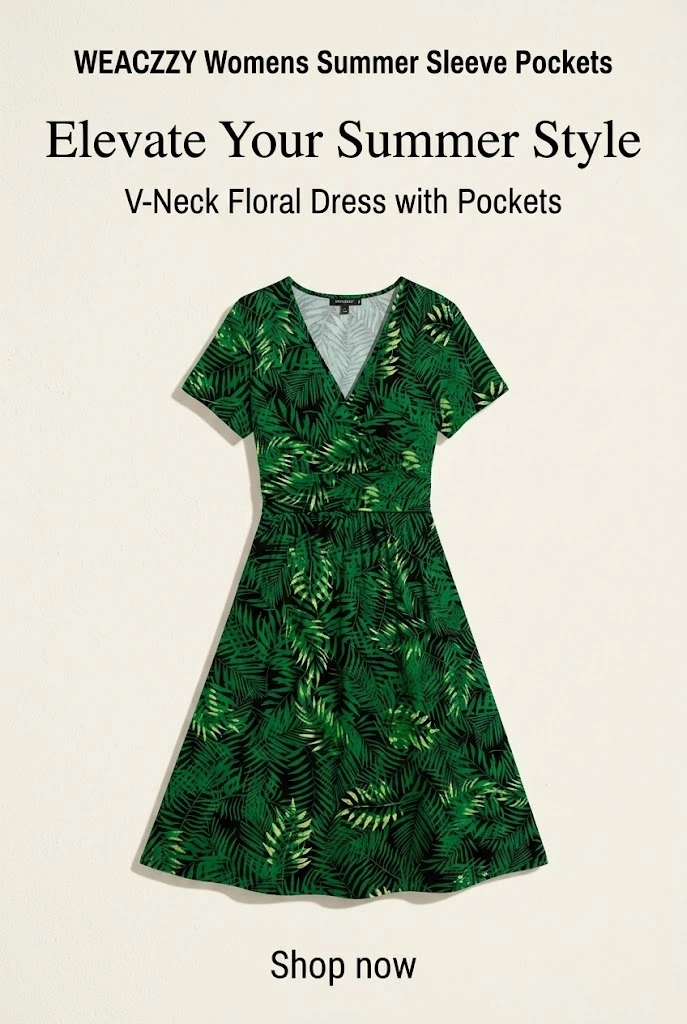
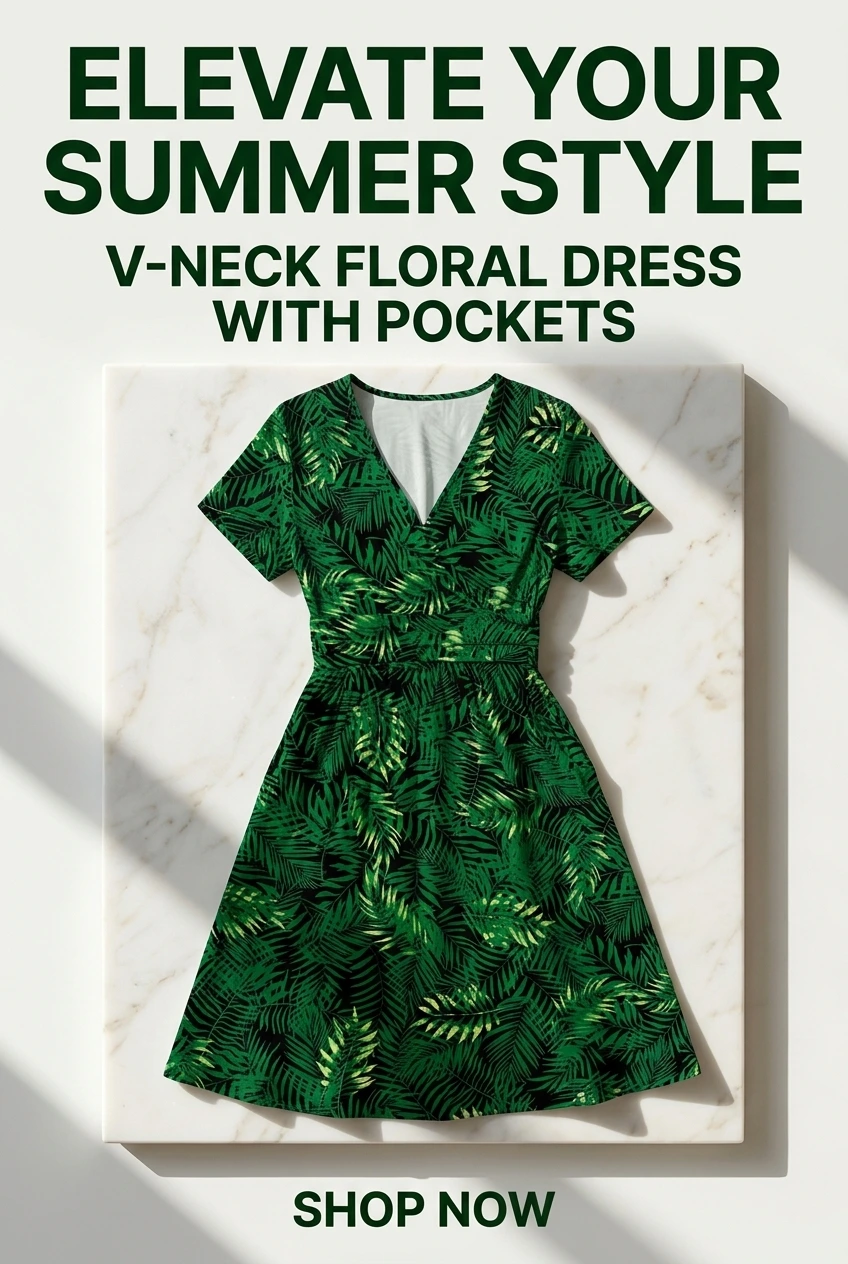
Pins generated in URL2Pin from one product URL


Bio SEO: how Pinterest uses your bio
Your Pinterest bio is not just a tagline — it helps Pinterest understand who you are and what you publish. Search and recommendations use profile context alongside pin titles, descriptions, and board names.
A strong bio includes: (1) your niche keyword (what you post about), (2) who it is for, and (3) a simple CTA (what to do next). Keep it readable in one glance — profile visits are quick.
Do not keyword-stuff. One clear niche phrase plus natural related terms beats a list of hashtags. Pair your bio with consistent board names from the Pinterest board generator and pin titles from the keyword tool.
Before vs after: weak bio vs optimized bio
Before (weak): “Sharing my favorite finds ✨ Link below!”
After (optimized): “Amazon kitchen & home finds for busy parents. Honest reviews + gift guides under $50. Shop my top picks ↓”
The optimized version names the niche (kitchen & home), audience (busy parents), content type (reviews + gift guides), and a CTA — without feeling spammy.
10 bio templates by niche
- Amazon kitchen: “Kitchen gadgets & meal prep ideas for busy home cooks. Honest Amazon reviews + weekly finds. Shop my favorites ↓”
- Home decor: “Budget-friendly home decor & organization for renters. Amazon + DIY inspiration. Save ideas for your next room refresh ↓”
- Tech reviews: “Straight-talk tech & desk setup reviews for remote workers. Best Amazon picks, no fluff. See today’s top finds ↓”
- Gift guides: “Gift ideas for every budget — birthdays, holidays & last-minute wins. Curated Amazon lists. Shop gift guides ↓”
- Fitness: “Home workout gear & wellness picks for beginners. Amazon-tested favorites. Start your setup ↓”
- Travel: “Carry-on essentials & travel hacks for budget explorers. Pack smarter with my Amazon list ↓”
- DIY & crafts: “Easy DIY crafts + supply lists for weekend makers. Amazon materials I actually use. Get project ideas ↓”
- Food & recipes: “Quick recipes & kitchen tools for weeknight cooks. Amazon affiliate — honest picks only. Cook with me ↓”
- Parenting: “Mom-approved Amazon finds for kids, school & home. Practical gifts & organization. Shop family favorites ↓”
- Deal roundups: “Daily Amazon deals & Prime Day roundups for savvy shoppers. No junk — just real savings. See today’s deals ↓”
Use the generator above to customize any template for your exact niche and offer, then keep one version stable for a few months.
Bio done? Generate your first batch of pins
A clear bio builds trust on your profile, but growth comes from publishing. After you set your bio, paste a blog or product URL into URL2Pin to generate multiple pin angles with titles and descriptions aligned to your niche.
Next step: turn your content into pins
A clear bio helps, but growth comes from publishing. Generate multiple pins per URL with keyword-aligned titles + descriptions, then schedule or export.
Related free tools
Use these together, then turn your best URLs into pins with URL2Pin. Full strategy: Amazon affiliate Pinterest guide.
- Pinterest username generator
Handle ideas for your niche that fit Pinterest’s username rules.
- Pinterest board generator
Board names, descriptions, and keyword ideas for your niche.
- Pinterest font generator
38 copy-and-paste Pinterest font styles for bios, board names, and pin titles.
- Pinterest pin generator
Paste any URL → get a finished pin with the copy written for that page.
- Pinterest affiliate pin generator
Paste a tagged product link → get a pin that keeps your affiliate tag.
Next step: generate pins
Paste a blog or Amazon product URL into URL2Pin — get multiple unique pin images, titles, descriptions, and hashtags in one batch.
Generate pins in URL2Pin →FAQ
What should a Pinterest bio include?
Your niche (what you post), who it’s for, and what to do next (a simple CTA). Keep it clear, Pinterest is search-first.
How long should my bio be?
Short and readable. Aim for 1–2 lines of value plus one CTA line. If it’s hard to read, it’s too long.
Do keywords matter in my bio?
Yes. Use your core niche keyword and a few related phrases naturally. Don’t stuff it, clarity wins.
Should I change my bio often?
Not often. Pick one good version and keep it stable for a while so your profile stays consistent.