Turn an Etsy Listing Into Pinterest Pins (Fast)
Your listing photos are not pins. Here’s the fast way to make ones that get found.
Updated
Part of our guides for Etsy sellers and product creators on Pinterest.
New to this? Start with how to sell Etsy products on Pinterest, then turn listings into pins with URL2Pin.
The most common Etsy-on-Pinterest mistake is pinning the listing photo straight from Etsy. It technically works, but a bare product shot with no text and no keywords rarely gets found. A pin is a little search result: it needs a readable title on the image, a keyworded description, and a shape built for a phone screen. Here’s how to turn one Etsy listing into several real pins without living in a design tool.
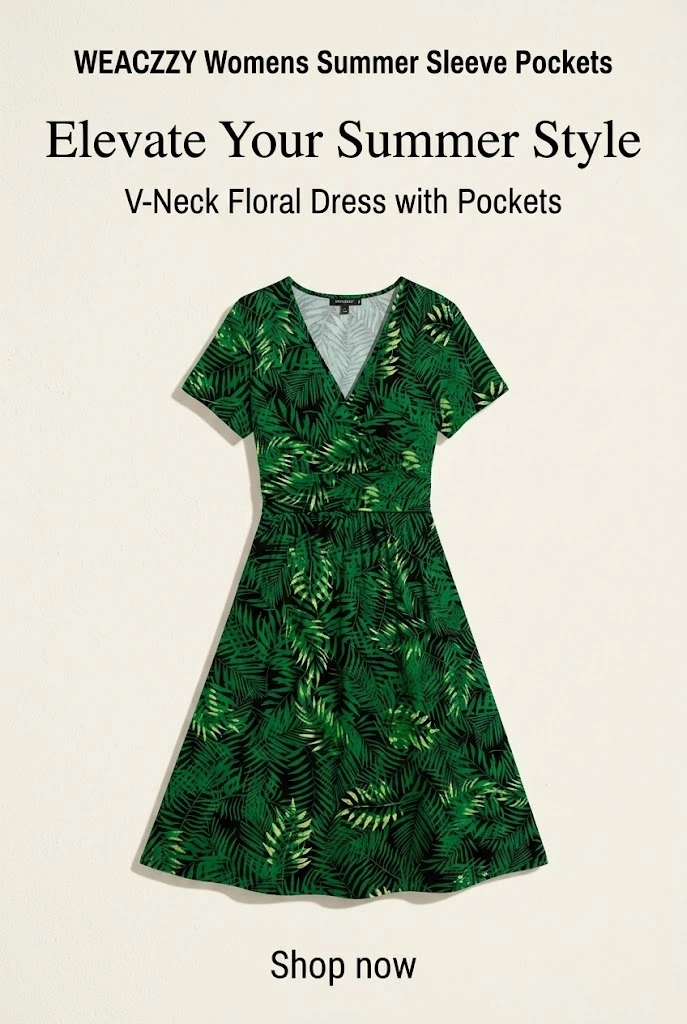

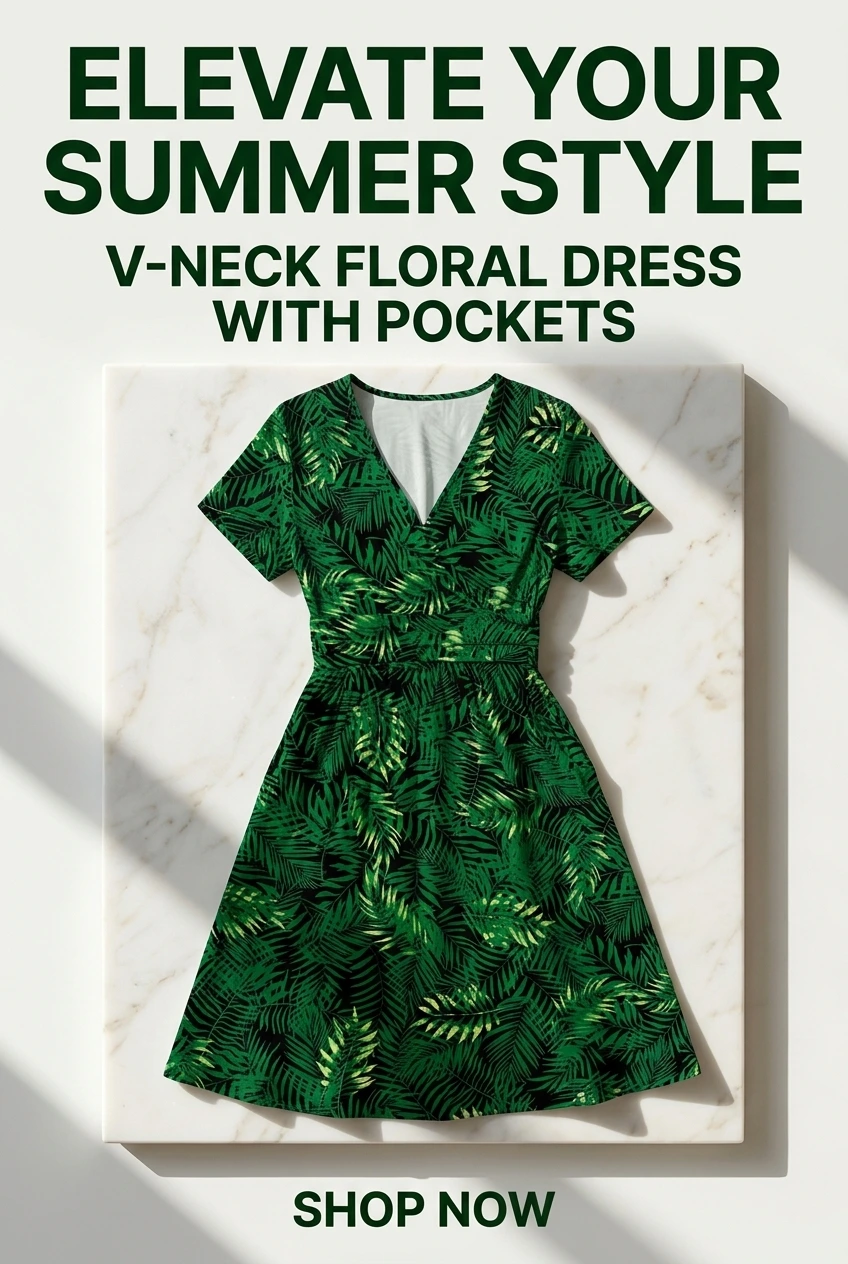

Why the listing photo alone underperforms
- No text overlay, so a scanner never learns what it is or who it’s for.
- Square listing photos get cropped — Pinterest favors tall 2:3 images.
- The description is Etsy copy, not the phrase a Pinterest user would search.
- One image = one angle = one shot at matching demand.
What a product pin actually needs
- A tall image (1000×1500 works) with the product clearly shown.
- A short text overlay naming the product and the buyer: “Personalized Dog Portrait — Custom Pet Gift.”
- A keyworded title and description using words shoppers type, not just your Etsy tags.
- A clean destination link straight to the listing (no masked shorteners).
The fast way: from URL to several pins
Instead of designing each pin by hand, paste the listing URL into URL2Pin. It pulls the product and generates several titled, keyworded pin angles you can review and schedule. That turns a 20-minute design chore into a two-minute one — which is the only way making several pins per listing stays realistic. Before you generate, sanity-check the phrasing with the free Pinterest keyword tool so the titles match real searches.
| One listing | Three pin angles |
|---|---|
| Custom pet portrait | Personalized dog gift · Pet memorial keepsake · Custom pet art for gallery wall |
| Linen apron | Handmade hostess gift · Minimalist kitchen apron · Cottagecore apron |
| Printable wall art set | Budget nursery decor · Boho gallery wall printables · Instant download art |
Then schedule, don’t dump
Spread the angles across several days rather than posting them all at once. For the bigger picture on cadence and boards, see how to sell Etsy products on Pinterest.
Try it free: Paste one Etsy listing or blog URL into URL2Pin to get several pin angles in a couple of minutes. Find the phrases shoppers search with the free Pinterest keyword tool, and name boards fast with the Pinterest board name generator.
Frequently asked questions
Can I just pin my Etsy listing photo?
You can, but it usually underperforms. Listing photos are square, have no text overlay, and use Etsy copy instead of Pinterest search phrases. A purpose-made pin — tall, titled, keyworded — gets found far more often.
What size should an Etsy product pin be?
A 2:3 ratio, such as 1000×1500 pixels. Tall pins take up more phone screen and are favored in the feed. Avoid square or horizontal images for primary pins.
How do I make several pins without a design tool?
Paste the listing URL into a tool like URL2Pin, which generates multiple titled, keyworded pin angles from the product automatically. You review and schedule instead of designing each one by hand.
Should the pin link to Etsy or a landing page?
Linking straight to the listing is fine and simplest. A landing page or blog post can convert better if you sell a range or want to capture emails, but it’s optional.
Conclusion
A listing photo is raw material, not a finished pin. Make it tall, title it, keyword it, and produce a few angles per listing — fastest from the URL2Pin workflow. Next: Pinterest SEO for Etsy sellers.
More Etsy & product-content guides
- How to Sell Etsy Products on Pinterest (2026 Guide)Etsy search is crowded and you don’t own it. Pinterest sends buyers to your listings for months. The full workflow, from listing to pin to sale.
- Pinterest SEO for Etsy Sellers: Get Found in SearchPinterest is a search engine, not a feed. The keyword habits that get handmade and print-on-demand listings found by buyers who are ready to shop.
- Best Pinterest Boards for Etsy Shops (Setup + Names)Boards are how Pinterest understands your shop. How to structure and name boards for an Etsy store so the right products reach the right buyers.
- Pinterest for Product Sellers & Reviewers (2026)Great product photos die on a feed and live on Pinterest. How sellers, reviewers, and Shopify stores turn product shots into evergreen search traffic.
Ready to try it?