


Pinterest impressions climbed after URL2Pin
Real Pinterest Analytics from a URL2Pin customer. Impressions picked up after they started using URL2Pin to generate and publish multiple pins. Results vary by niche, consistency, and account history.
-360w.webp)
Real pins from a URL2Pin user
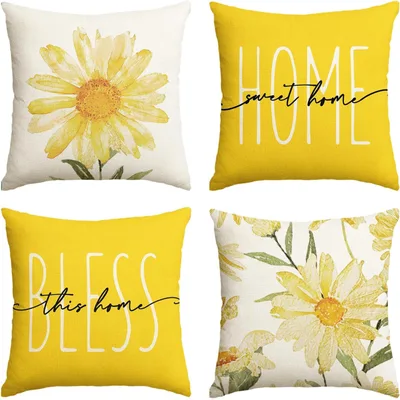
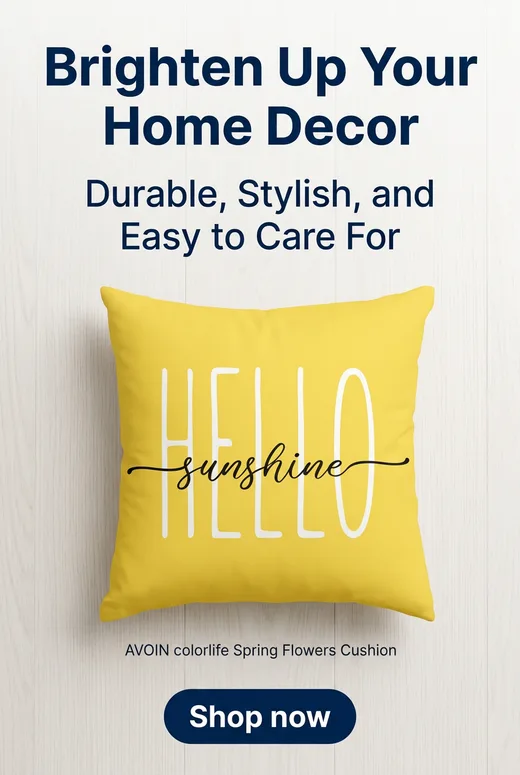
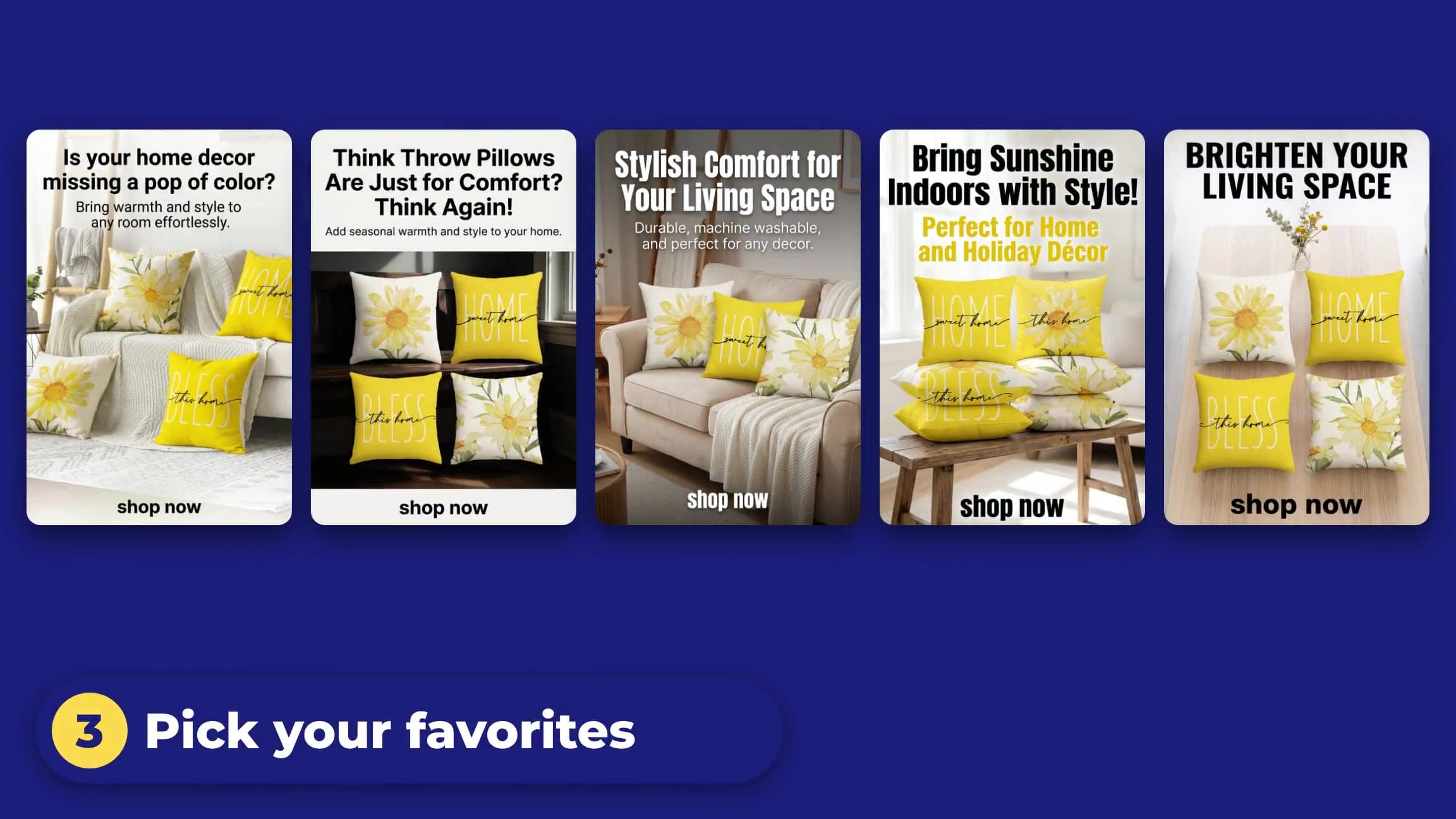
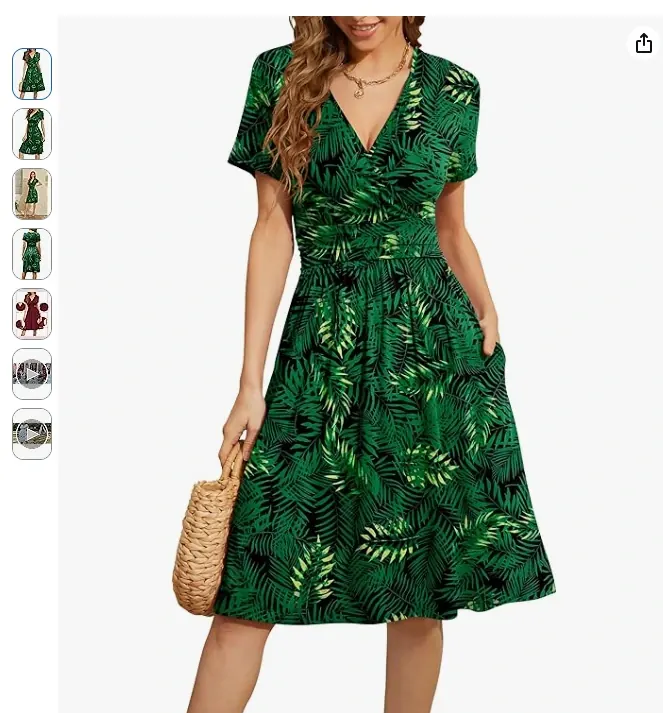
One of our customers pasted an Amazon product link into URL2Pin. Below is a screenshot of that page and the actual Pinterest pins they generated from the same URL. You can do the same with any product listing or blog post. Selling on Shopify or Etsy? Your pins can use your real product photo, never redrawn, with your words in exact text. For Shopify stores →
Product URL they used
https://www.amazon.com/WEACZZY-Womens-Summer-Sleeve-Pockets/dp/B09MCNM3RNTheir product page (screenshot)
Pins they generated in URL2Pin
4 pins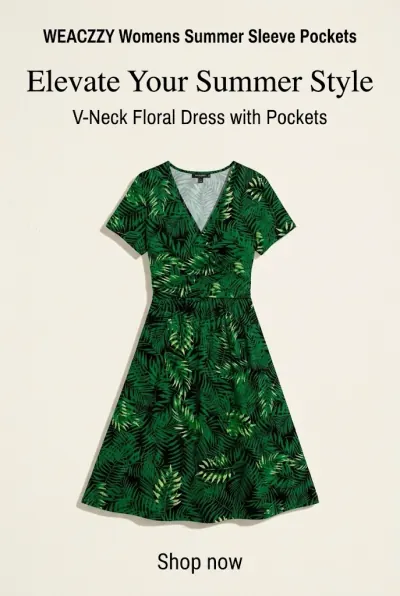
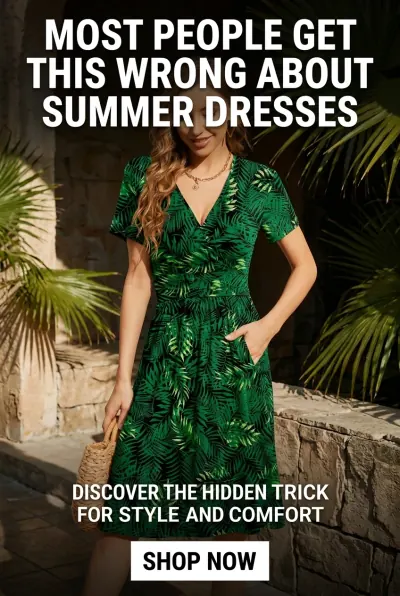
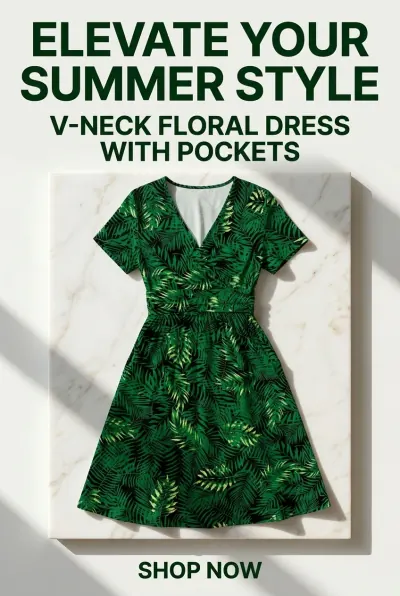
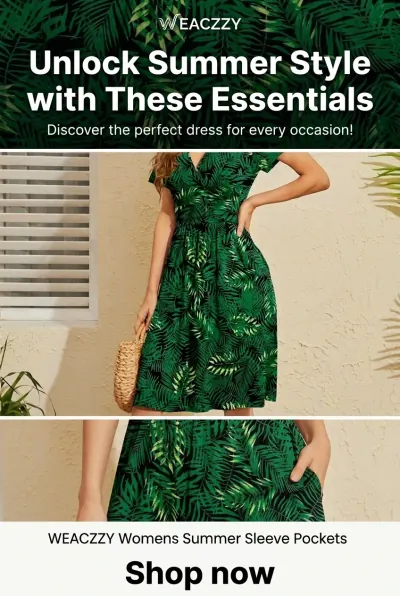
Results from affiliate marketers
Jane Dance
Starter plan, annual
“I've been looking for a site exactly like this, and I'm glad I found yours! This is easier than I expected it to be! THANK YOU!”
Stephanie Greenberg
Agency plan, 2,000+ pins published
“Loving the affiliate pages.”
Alexis
Creator partner
“The time efficiency is great, it creates pins in seconds and writes accurate descriptions. It does make occasional spelling mistakes, so that could be improved, but overall it's super helpful for staying organized and scheduling uploads.”
“It's my first time but I love the output.”
“Much easier than designing on Canva, then using AI to generate words.”
“Works well, just the odd slight spelling mistake.”
4.1 out of 5 from 21 customer ratings
Every review left in the app is counted, including the critical ones.
Affiliate marketers use URL2Pin to turn product and roundup URLs into Pinterest campaigns — without the Canva grind.
Roundup & comparison pins from multiple products
Drop 2–6 Amazon (or any) product URLs and get one scroll-stopping multi-product pin — the highest-converting affiliate formats on Pinterest. Or paste an Amazon idea list and we load every product in it, so you just tick the ones you want. Your brand footer, colors, and #ad disclosure are added automatically.
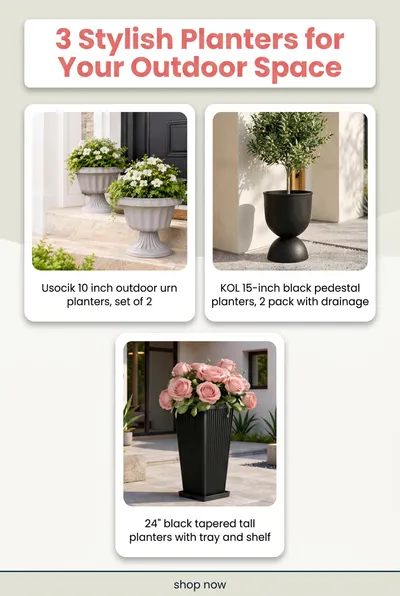
Roundup / gift guide
“Top 5 picks” in one pin
- Paste an Amazon idea list and load its whole product set — then pick up to 6, with your saved Amazon tag on every link.
- Or paste 2–6 product URLs by hand — we pull each title & photo automatically.
- Numbered, distinct product cards — even similar items from the same brand stay separate.
- AI writes the headline after reviewing your products — no guessing the count.
- Links to your roundup post (recommended) or a single affiliate link.
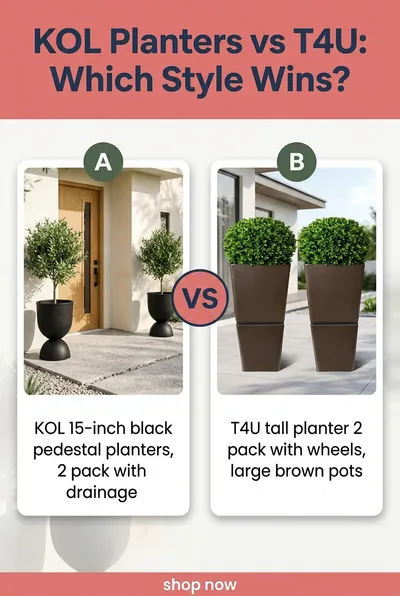
Comparison (X vs Y)
“Which should you buy?”
- Two products, side by side, in one clean comparison pin.
- Fill it from an Amazon idea list too — pick the two you want to compare.
- Perfect for “budget vs premium” and “A vs B” buyer-intent searches.
- Real product photos preserved from each listing.
- On-brand footer + automatic affiliate disclosure built in.
Find it under the “Roundup / Compare” tab — idea lists work there and on the single-URL tab.
Turn products into Pinterest traffic
Paste a URL → launch your first Pinterest campaign. Start free, no card required.
Start Your First Pinterest CampaignPopular guides
Featured on