
Turn an Amazon Product URL Into Pinterest Pins
Updated
Policy baseline: Amazon affiliate links on Pinterest (2026 rules) — disclosures, direct vs bridge links, and what gets flagged before you scale pins.
This post is part of the complete Amazon affiliate Pinterest guide.
Updated June 2026
New here? Start with the beginner guide or the 30-day game plan. Scale pins with URL2Pin.
- One primary topic per article—use the series grid at the bottom for related reads.
- Verify Amazon Associates and Pinterest rules in official help centers before scaling.
Direct-to-Amazon pins can work—but most affiliates mess them up. Raw product pages often underperform bridge pages because there is no story, no context, just a grid. This guide shows the rare cases where direct works, and the workflow to make it count. Before you batch pins, score the product with the Amazon pin worth checker, build tagged links with the affiliate link builder, then turn the URL into Pinterest pins. Tool comparisons: URL2Pin vs Canva and URL2Pin vs Later.
Best default: a short bridge article on your domain—then feed that URL into URL2Pin, not the naked Amazon listing.
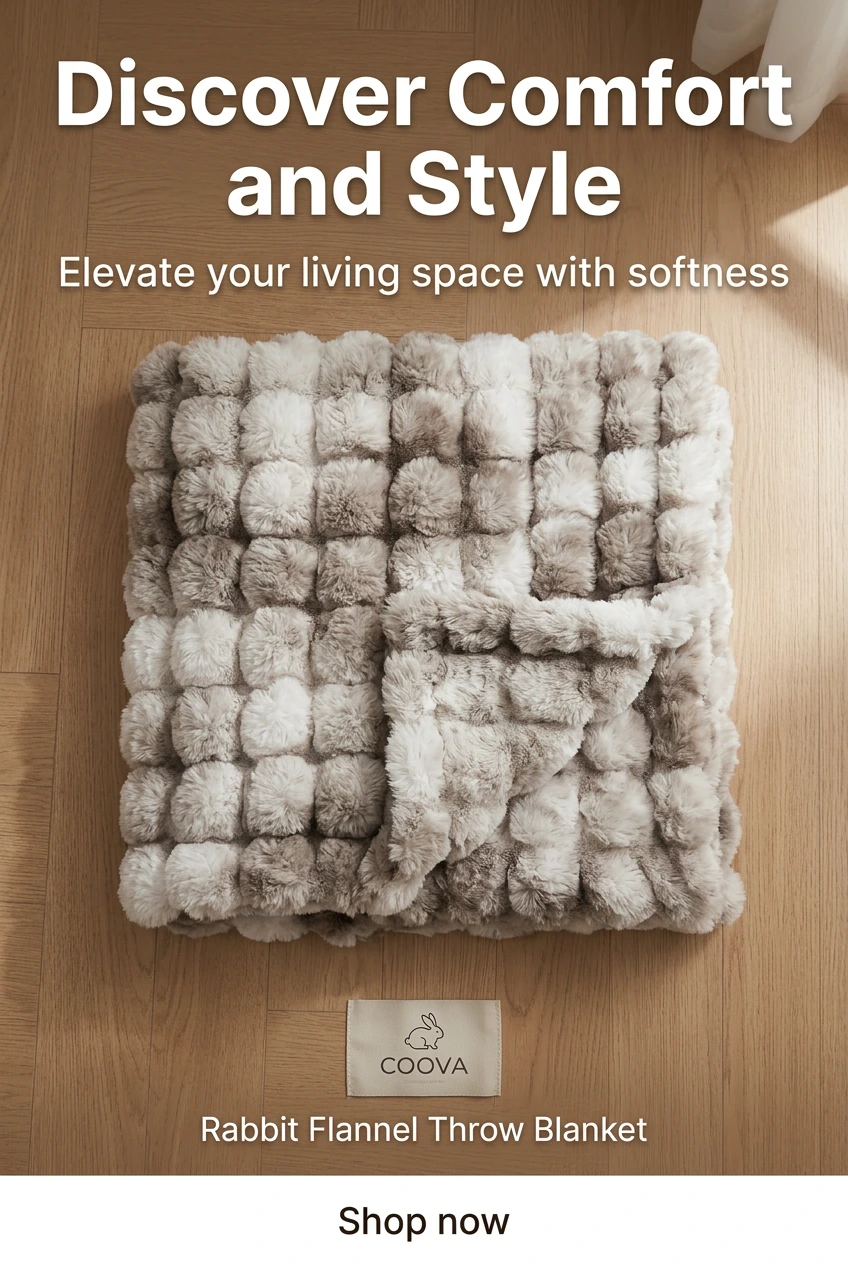
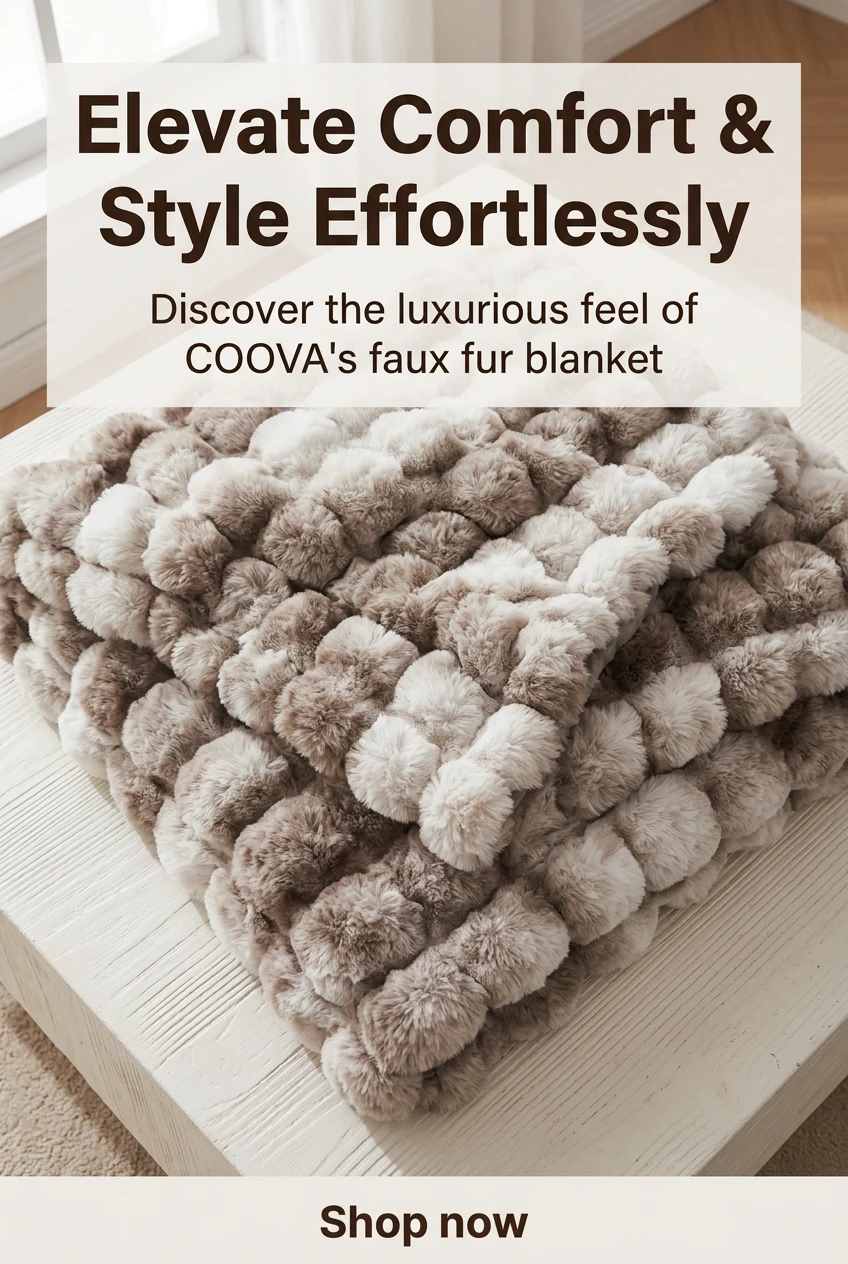


Amazon URL → Pinterest pins workflow (2026)
- Tagged link: build a clean Associates URL with the Amazon affiliate link generator, then follow it with the link checker to confirm it does not redirect to another marketplace.
- Product fit: score the SKU with the Amazon pin worth checker before you design pins.
- Pin titles: pull long-tail and question phrases from the free Pinterest keyword tool.
- Pin batch: paste your bridge page or review URL into URL2Pin and generate 5–10 distinct angles.
Paste the URL into the Pinterest affiliate pin generator to keep the tag intact automatically. Before you pin, run the product through our Amazon pin worth checker to see if Pinterest search demand is strong enough. Policy baseline: Amazon affiliate links on Pinterest (2026 rules).
Why raw product pages struggle on Pinterest
Skipping a bridge page often means meaningfully lower conversion—no room for your affiliate story, comparisons, or clear disclosure. Worth the risk? Usually only for obvious, low-consideration SKUs.
- Limited custom hero imagery versus social expectations.
- Narrow keyword context outside the full pin + board ecosystem.
- Harder to embed disclosures and honest pros/cons alongside the buy button.
Step-by-step workflow
Why we create a page first: Amazon product pages do not have room for your affiliate story—who it is for, who should skip it, and why you recommend it.
- Create a concise page summarizing who the product is for (see review formats and direct vs bridge).
- Build tagged links with the affiliate link builder; verify your Associates tag in an incognito window.
- Score product fit with the pin worth checker and research pin titles in the keyword tool.
- Paste that destination into URL2Pin to output multiple pin variants.
Creative ingredients: specific beats vague
Vague pins get scrolled past; specific pins get saved. “Blender for smoothies under $80” beats “kitchen gadget.” Each pin should change headline promise or supporting visual—not just hue.
| Variant | Example overlay |
|---|---|
| Time-saver angle | “10 minutes saved nightly” |
| Budget angle | “Under $X—worth it if…” |
| Fit angle | “Best for small apartments” |
Educational note: Amazon Associates and Pinterest both update their rules often. Always verify the current Amazon Associates Operating Agreement, disclosure requirements, and Pinterest’s merchant and paid partnership guidelines in the official help centers. This article is not legal advice. Confirm Amazon permits the destination and link style you use from social traffic in your Associates enrollment.
Broader program orientation: guide and Amazon affiliates hub.
Keywords: validate with research tool.
Setup + formats: Associates tag setup and product review pin ideas.
How to make Pinterest pins for Amazon products (quick version)
If you just want the short answer to how to make Pinterest pins for Amazon products: build a stable destination (a short bridge page beats the raw listing), grab a tagged Associates link, then paste that URL into URL2Pin to generate 5–10 pin angles with titles and descriptions already written. Edit the weak headlines, confirm your disclosure, and schedule. No design tool, no writing each caption by hand.
- Pick the product and validate it with the pin worth checker.
- Make the link with the affiliate link builder.
- Generate the pins by pasting the URL into URL2Pin — multiple angles at once.
- Publish on a rhythm using scheduling for affiliates.
Frequently asked questions
Can URL2Pin accept Amazon links directly?
Your compliance setup may require a bridge page first; use whichever URL represents the user’s best, disclosable experience.
How many pins per product?
Typically 4–7 if each communicates distinct value; stop before messaging repeats.
Should pins show price?
Only if you commit to updates or add soft language about variability.
Do I need video?
Optional bonus—static pins still drive the majority for many accounts.
Can I bulk dozens of SKUs?
Yes, but pace publishing so Pinterest sees human variety not bot bursts.
What is the fastest compliant path?
Stable article URL + Associates links + URL2Pin pin generation from that page.
What is the easiest way to make Pinterest pins for Amazon products?
Paste your bridge page or review URL into URL2Pin and it generates multiple pin angles with AI titles and descriptions from the page—far faster than designing each pin in a separate tool.
Conclusion
The best turn an Amazon product URL into Pinterest pins workflow pairs specificity with disclosure—one clear promise per pin, honest landing page, valid tag. Do those two things right and direct traffic can convert; skip them and even great products stall.
See also: general Pinterest guides
Amazon-specific tactics sit on top of Pinterest fundamentals. When saves stall or traffic flatlines, these blogger-focused tutorials help you fix distribution—not just affiliate setup.
More in this series
Internal links help readers and search engines see how Amazon Associates topics fit together. Start from the niche hub or the step-by-step beginner guide.
Ready to try it?