
Case Study: From URL to Pinterest Campaign in 5 Minutes
Updated
Case study · June 2026
This walkthrough covers a single-session workflow: one live Amazon review URL on your blog → a Pinterest-ready batch queued. With URL2Pin, the core steps usually fit in about five minutes once you know your board names and disclosure wording.
Paste URL → yoursite.com/amazon-air-fryer-review
Extracted title + 10 pin angles
Generated vertical creatives (2:3)
Schedule to board: Kitchen Reviews
Typical session breakdown
- First minute — Paste URL, pick a few style presets, generate several pins.
- Next couple of minutes — Tweak one or two titles for keyword fit; drop any duplicate-looking visual.
- Then — Assign a board (e.g. “Kitchen Reviews”); add your disclosure line to descriptions.
- Finish — Queue a handful of pins across the next few days in the scheduler.

Best for Small Apartments
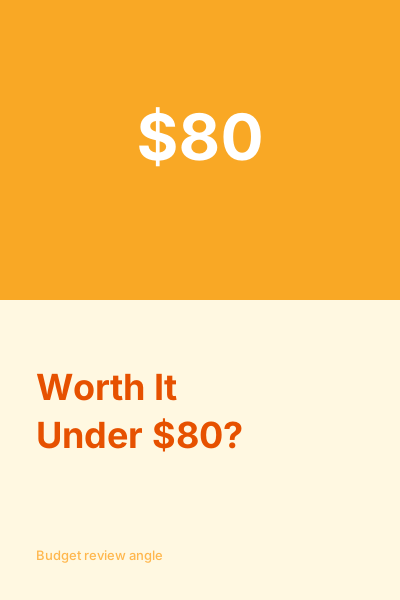
Worth It Under $80?

The Flaw Nobody Mentions
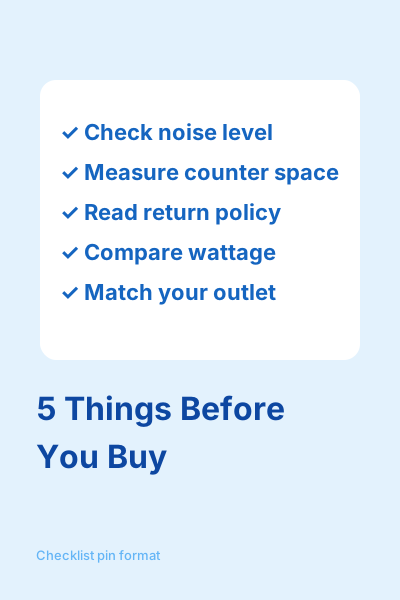
5 Things Before You Buy
Tutorial: turn an Amazon product URL into Pinterest pins.
Ready to generate pins? Paste your article into URL2Pin or see how it saves 40+ hours/month.
Related guides
- Amazon affiliate Pinterest beginner guide
- Amazon links on Pinterest (2026 rules)
- Free Amazon pin worth checker
- Free Pinterest keyword research tool
- Paste URL → generate Pinterest pins (URL2Pin)
- Blog to Pinterest workflow
- How many pins per post
- Pinterest scheduling for affiliates
- Pinterest analytics for affiliates
- Turn Amazon URLs into pins
- Pinterest for Amazon affiliates (commercial hub)
More case studies
Ready to try it?
