
Pinterest Username Ideas & Generator
Enter your niche and get dozens of available-style Pinterest usernames — all valid under Pinterest's rules (3–30 characters, letters, numbers, underscores). Free, no signup.
Ideas update as you type. Click any username to copy it.
Clean
Prefixed
Branded
Availability isn't checked here. These follow Pinterest's formatting rules, but you still need to confirm the handle is free when you set it in Pinterest settings.
How to choose a Pinterest username that helps you get found
Your Pinterest username is the pinterest.com/yourname handle. It is separate from your display name, and the two do different jobs. The username should be short, memorable, and consistent with your other platforms. The display name is where Pinterest actually reads keywords — so "Sarah | Cozy Home Decor & Amazon Finds" belongs there, not in the handle.
- Keep it under about 15 characters so it is easy to say and type.
- Match your Instagram/TikTok handle where you can — cross-platform recall compounds.
- Avoid numbers and underscores if possible; they get lost when people retype a handle.
- Don't niche down so hard you cannot pivot ("banana_bread_only" ages badly).
- Changing it later breaks existing links to your profile, so decide once.
Once the handle is set, write the keyword-rich part of your profile with the Pinterest bio generator, then set up boards with the board name generator.
Ready to create the pins?
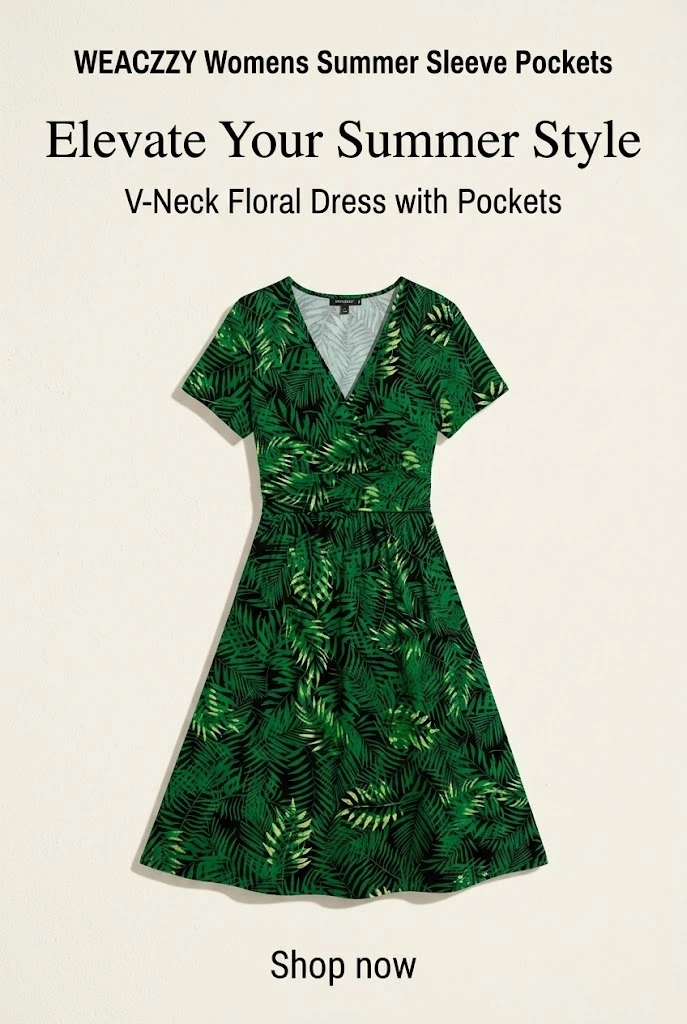
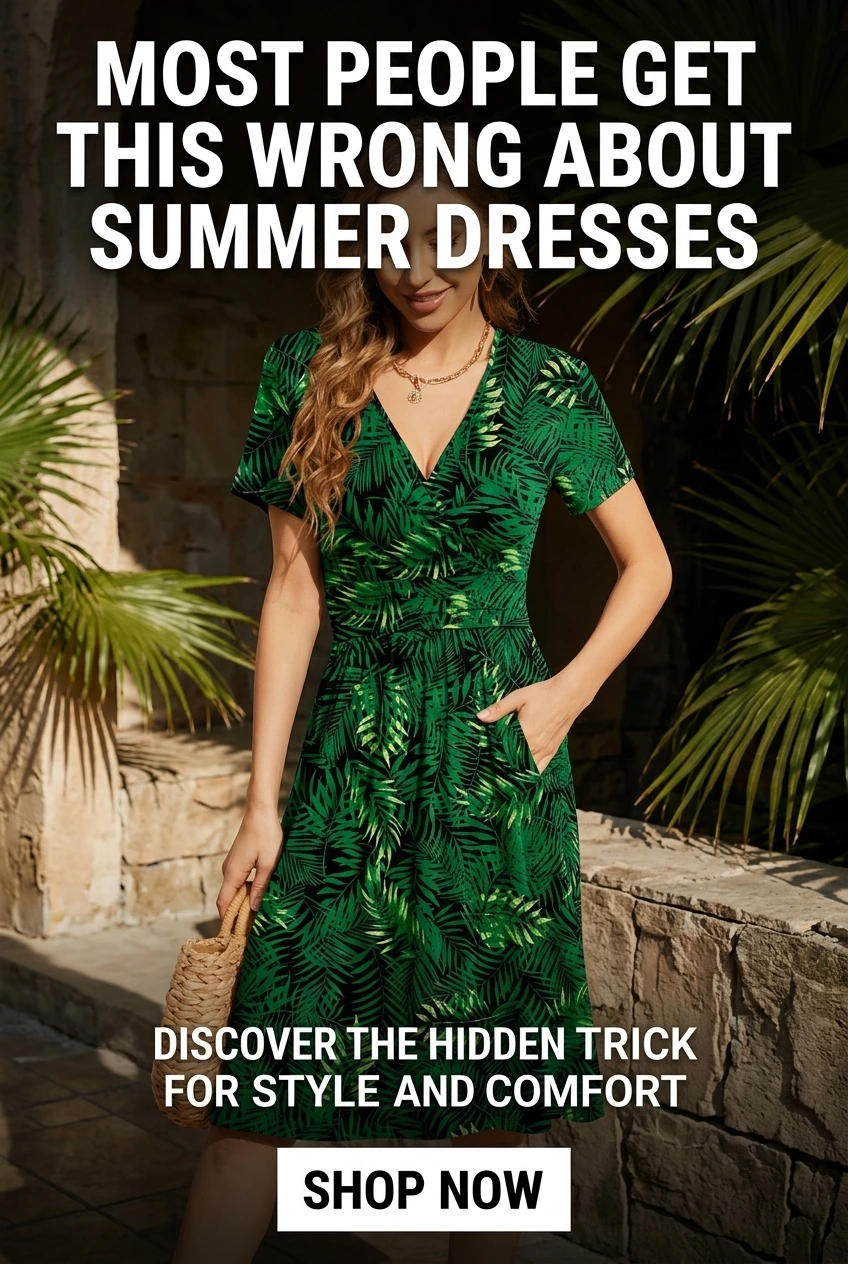
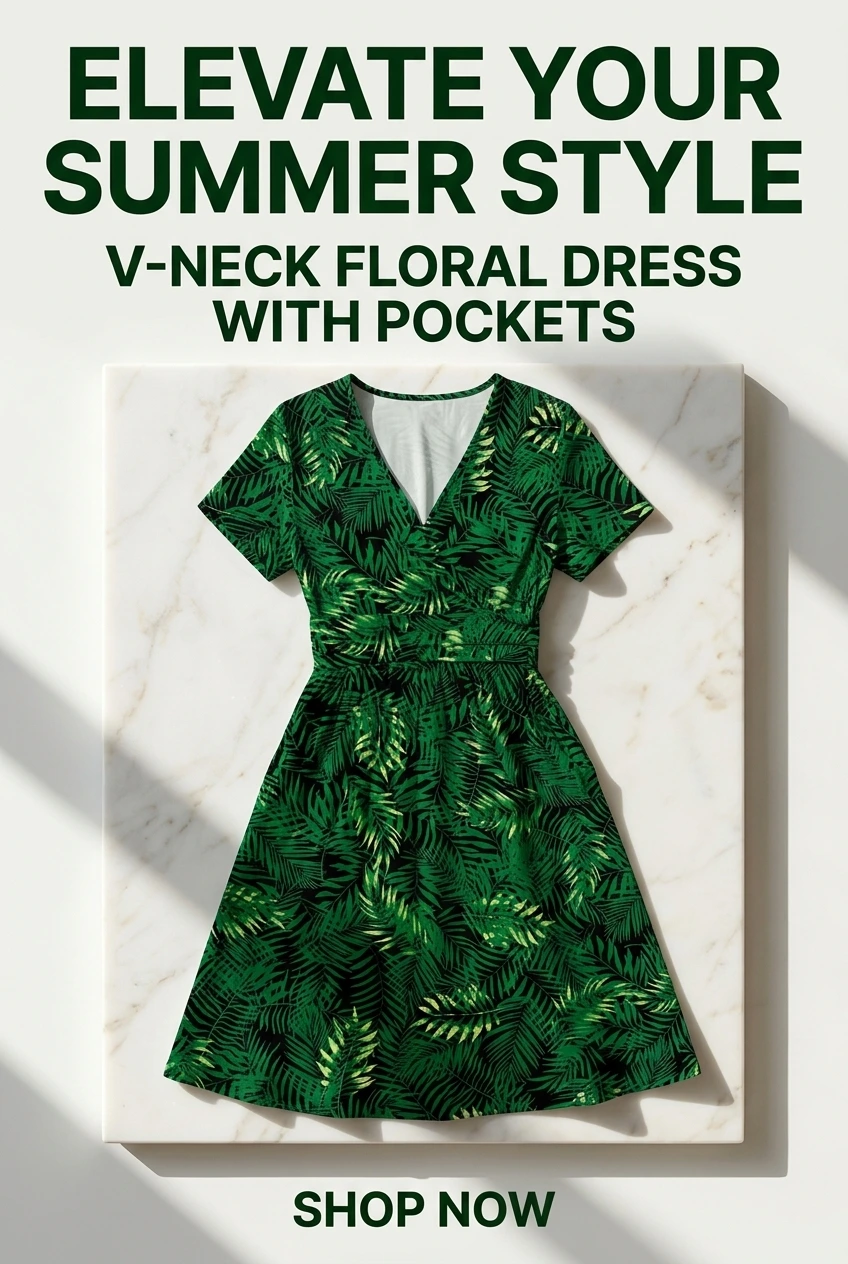
Paste any product or blog URL and URL2Pin turns it into multiple ready-to-publish Pinterest pins, with images, titles, descriptions, and hashtags included.
Pins generated in URL2Pin from one product URL

The three username styles, and when each one works
The generator groups results three ways because they solve different problems. Clean is your niche word on its own — best when it is still free, because it reads as the category itself. Prefixed adds a short qualifier like the, hey or studio, which is what most people end up using once the clean version is gone. Branded puts your own name or brand first, which is right when the account is you rather than a topic.
Pick for the long term. Pinterest indexes profile context alongside pin titles and board names, so a handle that names your niche keeps paying off as the account grows. A handle built around a single product or a year will not.
When your first choice is already taken
Handles are unique across Pinterest, so the obvious one in any established niche is usually gone. Adding a number rarely helps — it reads as a spare account and gives a browser nothing to remember.
Better moves, roughly in order: add a qualifier that is true of you (co, studio, daily, a place), swap the noun for a near synonym, or lead with your own name and keep the niche word second. Each keeps the handle readable and keeps the niche term in it.
Match the handle to your boards and bio
A username does little on its own. It works when the same niche language runs through the handle, the bio and the board names — that consistency is what Pinterest reads as a topic signal.
Once you have picked one, take board names from the board name generator and write the profile line with the bio generator, using the same core phrase in all three.
Next steps
Claim the handle first — it is free and takes a minute. Then set up three to five boards around the same niche phrase, and start publishing. A handle with no pins behind it ranks for nothing.
When you are ready to publish at volume, turn a product or blog URL into a batch of pins rather than building them one at a time.
FAQ
What are Pinterest’s username rules?
Usernames are 3–30 characters and may contain letters, numbers, and underscores — no spaces or punctuation. Every idea this tool generates already fits those rules.
What is the difference between a username and a display name?
Your username is the pinterest.com/yourname handle. Your display name is the text shown on your profile — that is where Pinterest actually reads keywords, so put your niche there.
Can I change my Pinterest username later?
Yes, in Settings. But any existing link to your old profile URL breaks, so it is worth choosing something you will not outgrow.
Does this check whether a username is available?
No. Checking availability requires Pinterest itself — confirm the handle when you set it in Pinterest settings.
What should I do after choosing a handle?
Write a keyword-rich bio and set up boards that match your content buckets. Name your boards with the Pinterest board name generator.
Related free tools
Use these together, then turn your best URLs into pins with URL2Pin. Full strategy: Amazon affiliate Pinterest guide.
- Pinterest bio generator
Five bio options plus CTA line and keyword ideas.
- Pinterest board generator
Board names, descriptions, and keyword ideas for your niche.
- Pinterest font generator
38 copy-and-paste Pinterest font styles for bios, board names, and pin titles.
- Pinterest affiliate pin generator
Paste a tagged product link → get a pin that keeps your affiliate tag.
Next step: generate pins
Paste a blog or Amazon product URL into URL2Pin and get multiple unique pin images, titles, descriptions, and hashtags in one batch.
Generate pins in URL2Pin →